Google Gmail
This section describes how to set up SerialMailer to send mass emails through your Google Gmail account.
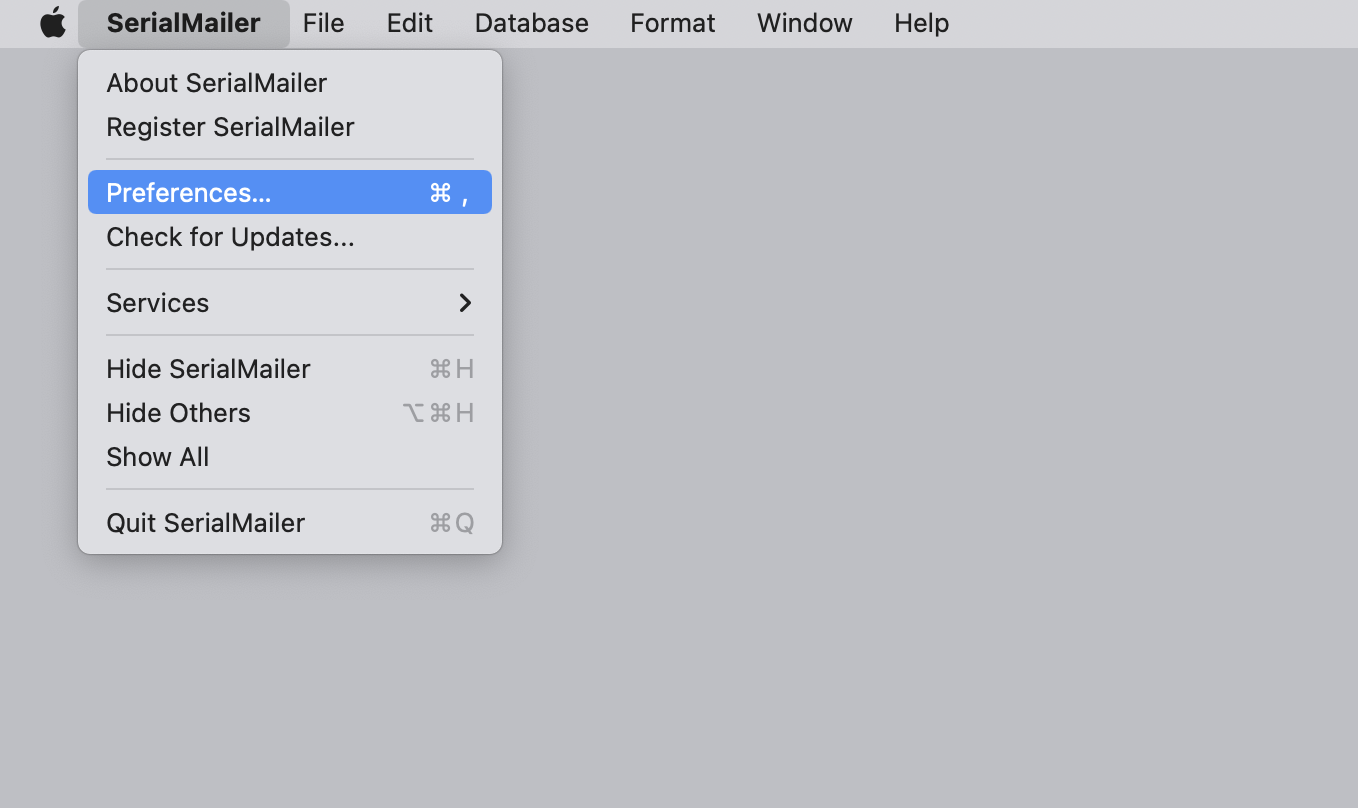
Open the “Preferences” through the “SerialMailer” menu.
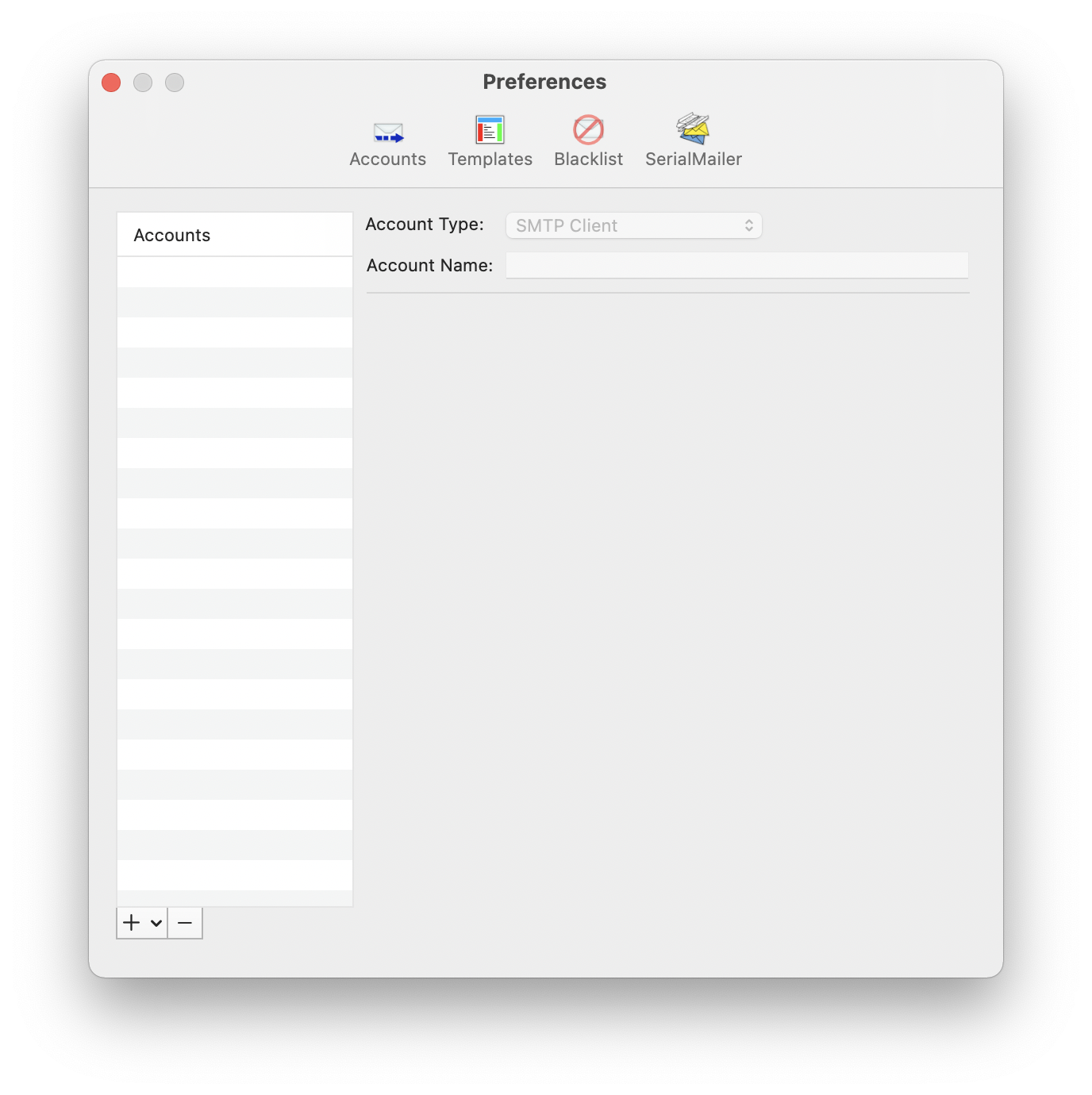
Go to the “Accounts” section.
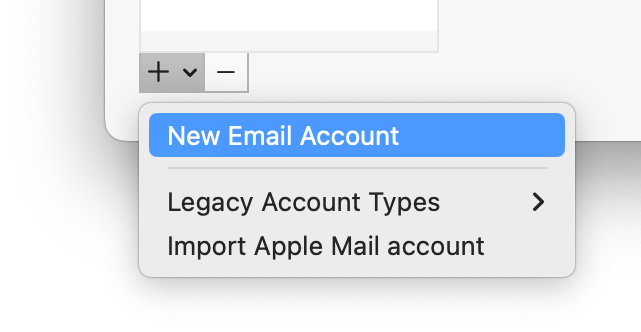
Select “New Email Account” from the plus menu below the accounts list.
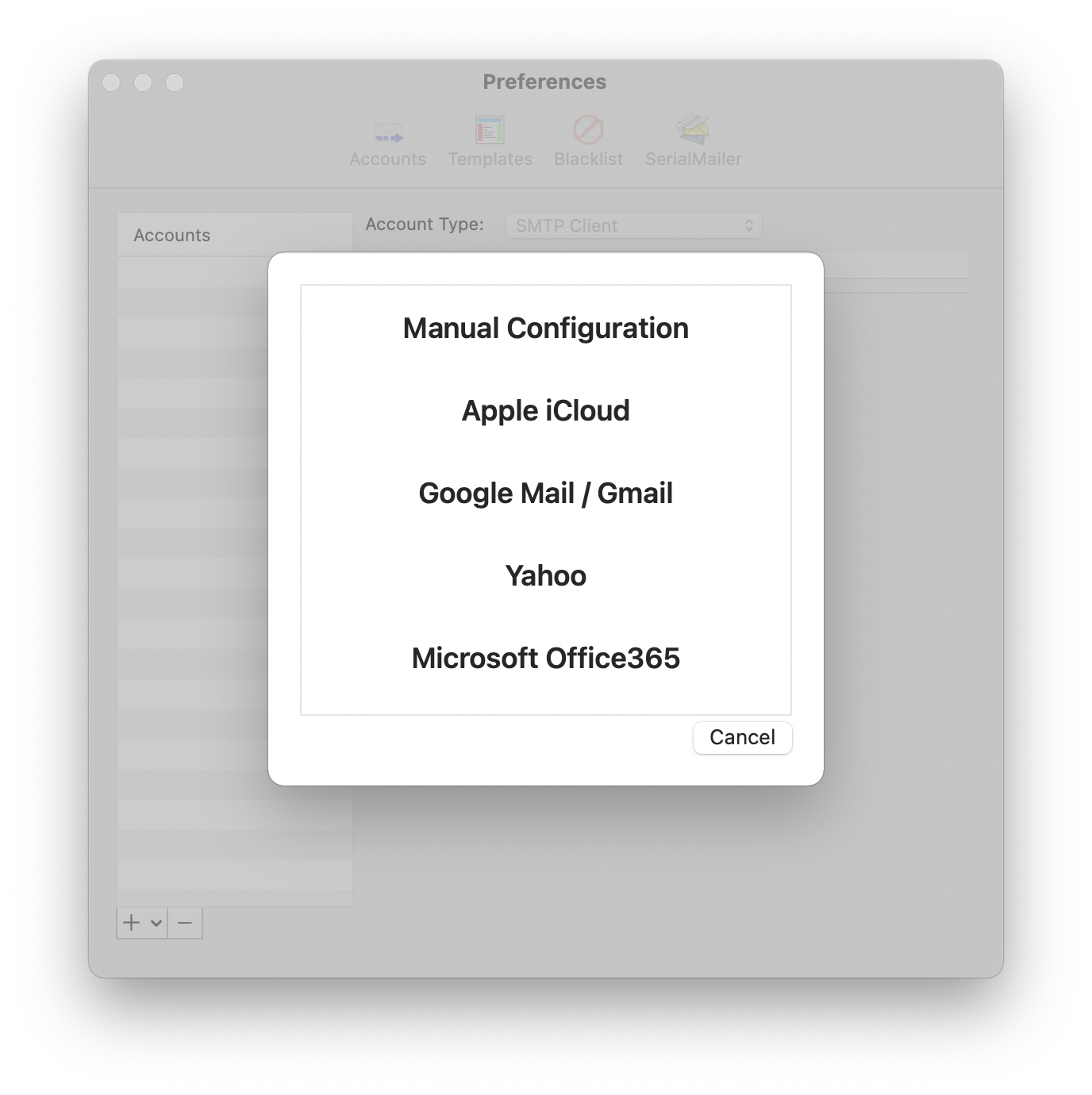
A window will open where you can select presets for some email providers, or use a custom configuration. Choose “Google Mail / Gmail”.
Enter your name and email address in the next window.
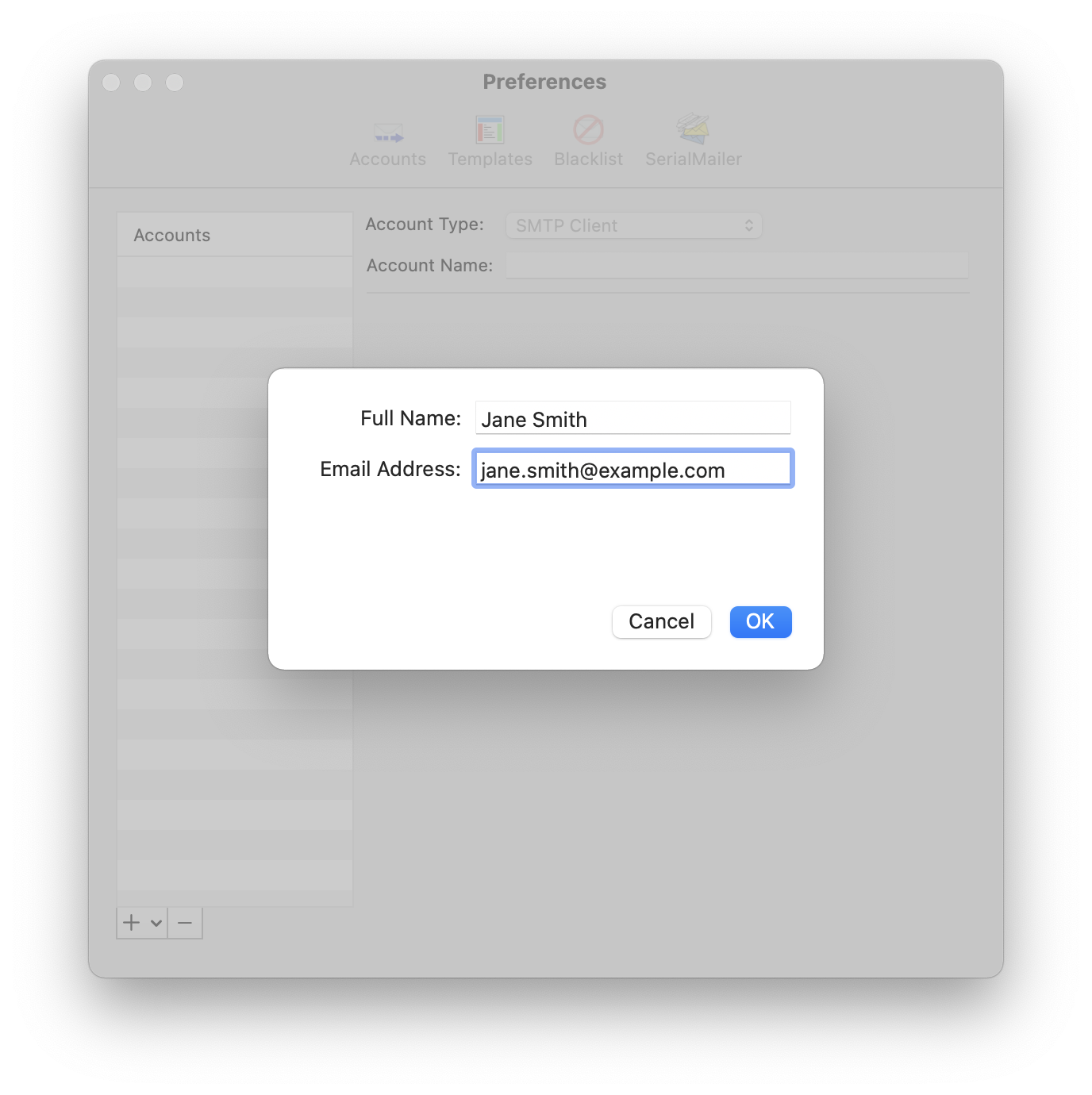
SerialMailer will add and automatically configure your account. You can now close the preferences window and send your personalized email campaign.
The first time you use this account, SerialMailer will open your default web browser with the Gmail login page. Sign into your Google account and grant SerialMailer permission to send emails. After authentication is complete, you’ll be automatically redirected back to SerialMailer to continue your work.